Understand machine embroidery design file formats, including DST, PES and more. Learn their differences, uses and how to choose the right format for your embroidery machine.
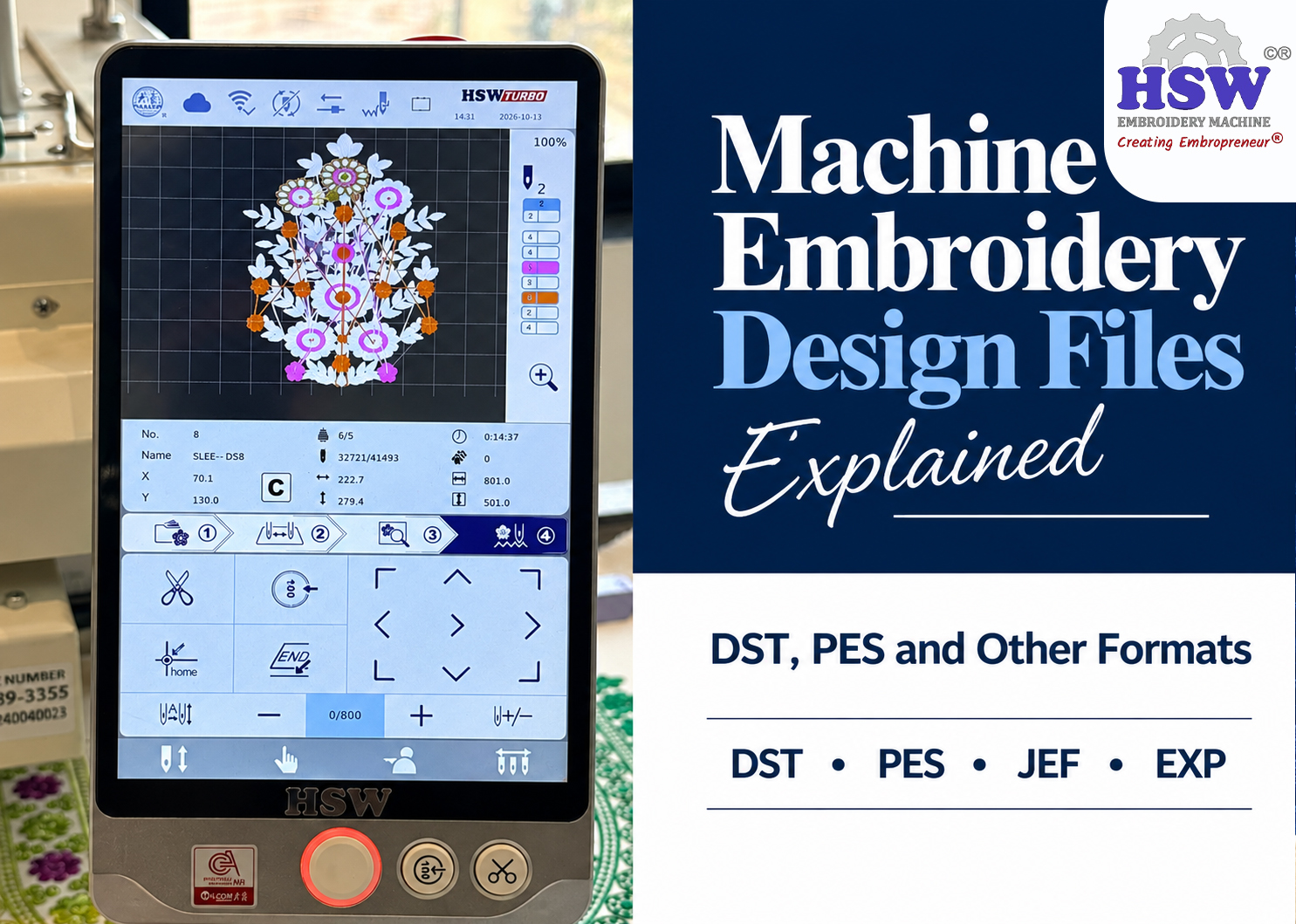
You've downloaded an embroidery design, but the folder contains several files with extensions like DST, PES, JEF, and EMB. Which one should you transfer to your machine?
It depends on your machine model and what each file is meant for. These extensions aren't just different names for the same thing. Some are for specific embroidery machines, while others save designs for editing in embroidery software.
Here's what you need to know before using or buying embroidery design files.
What Are Embroidery Files?
Embroidery files contain instructions that tell a machine how to stitch a design. They include information about stitch placement and movement, along with other details the machine needs to produce the embroidery.
A JPG or PNG image file format only shows what the design looks like. It doesn't tell the machine how to recreate it with thread; you need to digitize it and save it in a compatible embroidery format to stitch that artwork.
This is why downloading a logo image isn't the same as downloading a machine-ready design.
Common Embroidery File Formats
The file extension usually gives you a starting point, but always check which formats your machine supports. Here are some of the ones you're likely to come across.
-
DST embroidery file
A DST embroidery file is widely used with commercial single head embroidery machines. It is common in production environments because it stores the stitch movements needed to run a design.
One thing to know about DST is that it may not retain the thread colour information in the same way as some other formats. You might need a colour chart to identify which thread to use at each colour change.
If a supplier sends you a DST file along with a design preview and colour chart, that is normal.
-
PES files for embroidery
PES files for embroidery are commonly associated with Brother and Baby Lock machines.
A PES file can contain embroidery stitch data and additional design information supported by compatible software and machines. If you use a Brother machine, PES is one of the first formats to check, although compatibility can vary by model.
-
JEF embroidery files
JEF embroidery files are commonly used with Janome embroidery machines. If you download a design for a Janome machine, check whether JEF is the required format.
Even when the format is correct, the design still needs to fit the machine's embroidery area. A file made for a larger hoop may not work on a machine with a smaller stitching field.
-
EMB files
An EMB file for embroidery is commonly used in Wilcom embroidery software. Unlike a basic stitch file, an EMB file can retain editable design objects and settings within the supported software.
This makes it useful when a digitizer needs to return to a design and make changes later. However, EMB is not a universal format that every embroidery machine can read directly.
If you receive an EMB file, check whether you need the editable source file or a machine-ready file such as DST.
Which File Format Does Your Machine Need?
The format depends on your machine's brand and model. As a general guide:
-
Brother and Baby Lock: commonly PES
-
Janome: commonly JEF
-
HSW: commonly DST
-
Tajima and many commercial embroidery systems: commonly DST
-
Bernina: formats such as EXP or ART, depending on the machine and software
These are common associations, not guarantees for every model. Check your machine's manual or ask the supplier which format to use.
If someone has already provided a design that works on your machine, check its file extension. That can help you identify the format you need for future orders.
What About Other Embroidery Design Files?
You may also come across formats such as EXP, VP3, HUS, VIP, etc. Different embroidery machines and software systems use these formats.
You don't need to memorise every extension. The key is knowing which format your machine supports and whether the file is meant for stitching or editing.
For example, a supplier might provide the same design in several formats so customers using different machines can choose the right one. If you see multiple files in a downloaded folder, check the included instructions before transferring anything to your machine.
Can You Convert One Embroidery File to Another?
Often, yes. Compatible embroidery software may be able to save the design in the required format.
However, conversion doesn't guarantee that every detail will transfer perfectly. Thread colours may change or become unclear, and you still need to check the design size and stitch sequence.
Converting a file is different from digitizing artwork.
If you have a DST file and need PES, you're converting one embroidery format to another. If you only have a PNG logo and want to stitch it, the artwork needs to be digitized first. Simply changing the file extension won't do the job.
What If Your Machine Won't Open the File?
A file may have the right extension and still fail to open. Before assuming the design is faulty, check a few things.
-
Wrong format: The machine may not support that file type.
-
Design too large: The design may exceed the machine's embroidery area.
-
Unsupported file: The format or version may not be compatible with your model.
-
Incorrect transfer: The file may not have been copied or saved properly.
If the design opens but the thread colours look different, check the colour chart supplied with it. Some formats don't preserve all colour information, so the machine's displayed colours may not match the intended thread sequence.
It's also worth checking the design preview and dimensions before starting a job, especially if you're stitching an order for a customer.
Where Should You Get Embroidery Design Files?
You can buy ready-made designs from embroidery design websites, get files from an embroidery digitizing service or have a design prepared specifically for your business.
Before purchasing, check which formats are included. Some sellers provide several formats in one download, while others may supply only one. Make sure the design size fits your machine and that the licence allows the type of use you have planned.
If you're ordering a custom logo, tell the digitizer your machine format, required dimensions and the product you're embroidering. This gives them the information needed to prepare a suitable file.
Final Thoughts
The file format is one of the first things to check when working with machine embroidery designs. DST is widely used in commercial embroidery, PES is common with Brother and Baby Lock, and JEF is associated with Janome.
Once you know which format your machine supports, downloading and transferring designs becomes much easier. Just remember that a compatible file still needs to fit your machine's embroidery area and be properly prepared for the job.
About the Author

Mr. Tapan Kapadia is the Founder and Director of HSW, a pioneer in accessible single-head commercial embroidery machines. With over three decades of textile industry experience, he has empowered tens of thousands of home entrepreneurs and small businesses across India.