Learn embroidery digitizing from scratch with this beginner's guide. Understand how it works, explore digitizing software, and create designs for machine embroidery.
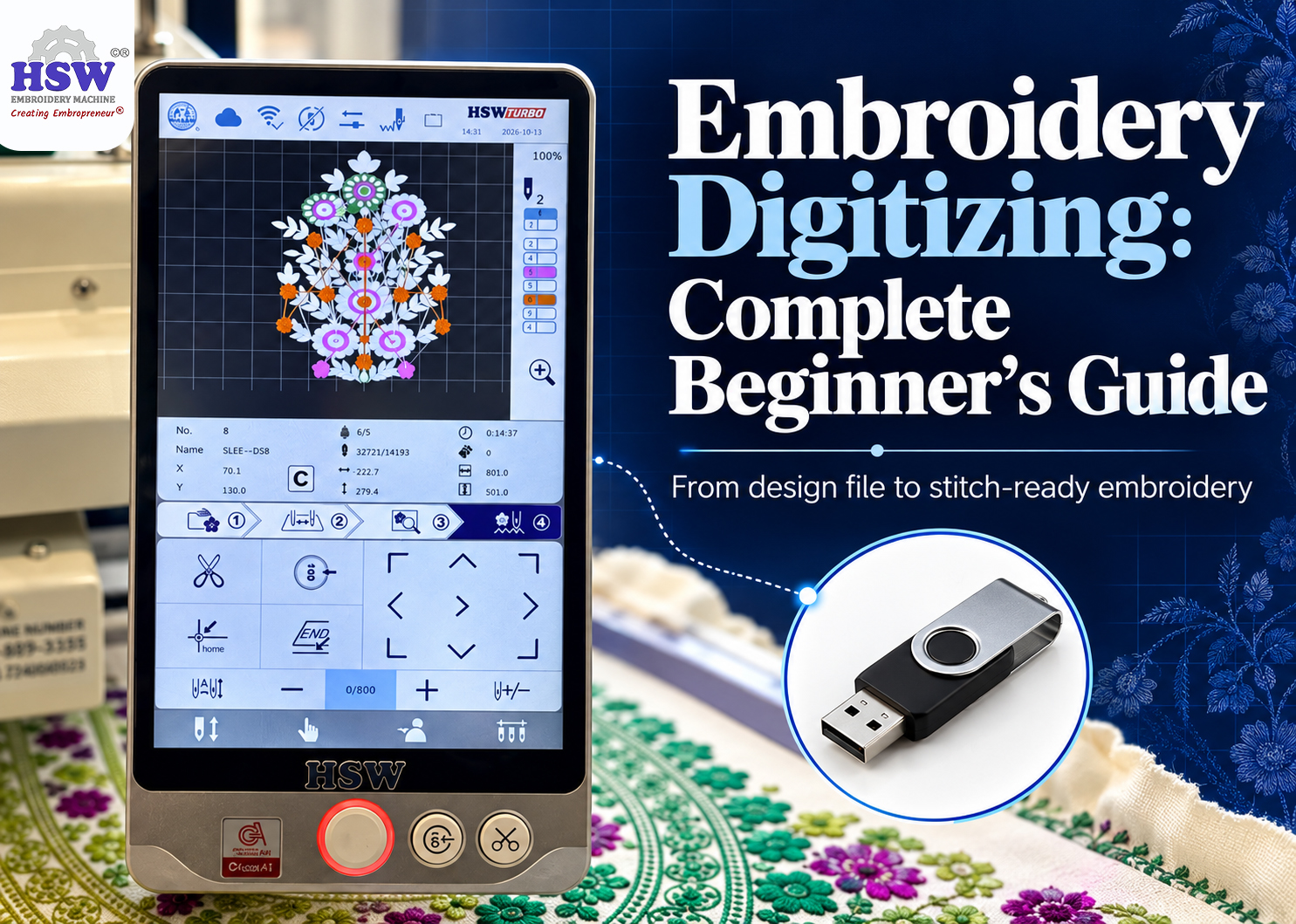
Embroidery digitizing is the process of converting artwork into a digital file that contains stitch instructions for an embroidery machine. The file tells the machine how to stitch the design, including the stitch types, direction, and sequence.
For example, if a customer sends a company logo to embroider on T-shirts, the design must be converted into a machine-readable embroidery file before stitching can begin. This is where embroidery digitizing comes in.
If you're new to the machine embroidery business, understanding this process will help you decide whether to prepare designs yourself, utilize pre-formatted design files, or hire a professional digitizer.
What Actually Happens During the Embroidery Digitizing Process?
Think of a company logo with a few letters, a coloured symbol and a thin outline. On a computer screen, it is just an image. On an embroidery machine, each part has to be built with stitches.
The digitizer (using specialized software) decides how the letters will be stitched, which direction the stitches should run, where one colour ends and the next begins, and how the machine should move between sections.
The design is then saved in a format supported by the machine. This might be .DST, .PES, or another embroidery file format, depending on the machine
Digitizing artwork can be challenging because the translation into stitches isn't always straightforward. Small text might become hard to read, and a thick design can result in excessive thread on the fabric. Additionally, fine details may get lost completely. A good digitized file considers these factors before the machine begins stitching.
How Do You Digitize a Design?
You don't need to begin with complicated artwork. A simple name or logo is enough to understand the basics.
First, open the artwork in your embroidery digitizing software. Some programs let you import an image and trace its shapes; others provide tools to draw the design directly.
Next, you decide how those shapes will be stitched. Outlines often use running stitches, letters and narrow borders may use satin stitches, and larger areas can use fill stitches. The choice depends on the shape and its size.
You also need to set the stitch direction and decide the order in which the machine will embroider each section. These decisions affect the finished design, not just the way the file looks on screen.
Once the file is ready, run a test.
For example, if you're digitizing a logo for a uniform supplier, stitch it on a similar fabric before producing the full order. You might find that the lettering needs to be larger, the outline needs adjustment or the design is pulling the fabric out of shape.
Fixing these issues on a sample is much easier than discovering them halfway through a bulk order.
Which Embroidery Digitizing Software Should You Use?
Several software options are available, but beginners shouldn't choose one based only on the number of features it offers. Your choice depends on the work you plan to do.
-
Basic Editing Tools: suitable for basic lettering and editing existing designs. If you mainly receive ready-made embroidery files and occasionally need to change text or resize a design, basic editing tools may be enough.
-
Professional Digitizing Software: Some software gives you more control over stitch density, underlay, sequencing, and individual parts of the artwork. If customers regularly send you new logos that need to be converted from scratch, you'll benefit from software with proper digitizing tools.
Before purchasing a program, make sure it is compatible with your computer. Verify that you can export file formats compatible with your embroidery machine and assess how easy the software is to learn. Utilizing tutorials and trying out trial versions can help you understand the software better before purchasing.
(Note: Also, don't confuse computer embroidery designing with digitizing. Creating artwork and preparing that artwork for stitching are related tasks, but they are not the same thing.)
Can HSW Machines Convert Images into Embroidery Designs?
If you're using an HSW single head embroidery machine, you do not need separate software just to transfer and run basic design files. HSW offers touchscreen connectivity and companion apps providing ready-made embroidery designs that can be transferred directly to compatible machines.

This can be helpful for beginners who want to get started quickly without learning a full digitizing program straight away. However, automatic software tracing utilities and creating a properly digitized file for a detailed corporate logo are not the same thing. Because raw graphics require manual stitch mapping and push-pull fabric adjustments, dedicated embroidery digitizing software or professional services are still required for complex custom designs.
Can Software Digitize Everything Automatically?
Some programs have automatic digitizing features. You import an image, and the software converts its shapes into stitches.
It sounds convenient, and it can give you a useful starting point for certain simple designs
But automatic conversion doesn't always produce a file that is ready for production. A logo with tiny lettering, overlapping colours, or fine details may need quite a bit of correction. Even a design that looks acceptable in the preview can stitch poorly on fabric.
If you want to digitize files for embroidery regularly, learn how to check and edit the output rather than relying entirely on automatic tools. The test stitch is still important.
Should You Learn Digitizing or Hire Someone?
This is a practical decision for anyone running a machine embroidery business.
-
When to Reuse Files(No Need to Learn New Digitizing)
-
Best For: Businesses that mostly receive repeat orders for the same school uniforms or company logos.
-
Why It Works: Once the design has been properly digitized, you can reuse the file for future orders without needing to create new designs very often.
-
When to Learn In-House (Custom & Fast-Paced Orders)
-
Best For: businesses that receive different logos, names, and custom designs every week.
-
Why it Works: Waiting for an outside digitizer whenever a customer requests a change can slow things down. Learning the software could give you more control over your work.
-
When to Hire an Embroidery Digitising Service (Outsourcing)
-
Best For: Businesses that don't have enough work to justify spending time learning the software.
-
How it Works: You send the artwork and explain the size, fabric and intended use. The digitizer prepares the embroidery file for you.
Essential Tips If You Outsource:
Never send only the image and assume the digitizer will know everything. Mention whether the design is for a cap, shirt, jacket, or another product. Fabric type and final design size can affect how the file should be prepared.
When comparing the best digitizers for embroidery, look at samples of their actual stitched work, not just the designs shown on a screen. Ask about revisions too, especially if the first test reveals a problem.
Where Can You Learn Embroidery Digitizing?
You can start with software tutorials and practice files before investing in a paid course. Some embroidery digitizing websites like Hatch Academy, Embroidery Legacy, and Ink/Stitch offer demonstrations, lessons, and resources for beginners.
Start with lettering and simple shapes. Try changing the stitch type, adjusting the density, and moving the stitch direction. Then stitch the design and compare the result with what you expected. You will learn things from an actual test that a screen preview cannot show you.
Don't worry about creating complicated designs at the beginning. Understanding why a small letter becomes unreadable or why a filled area puckers is more useful than knowing where every tool in the software is located.
Final Thoughts
You don't have to become a digitizer to run an embroidery business. Plenty of businesses outsource the work and concentrate on production and customer orders.
But if you regularly deal with custom designs, learning embroidery digitizing can give you more flexibility. Start with simple artwork, practise with the software, and test your files on fabric.
Once you understand what goes into preparing a design, you'll be in a much better position to decide whether to do it yourself or pay a professional to handle it.
About the Author
Mr. Tapan Kapadia is the Founder and Director of HSW, a pioneer in accessible single-head commercial embroidery machines. With over three decades of textile industry experience, he has empowered tens of thousands of home entrepreneurs and small businesses across India.